Getting started
SIGN UP
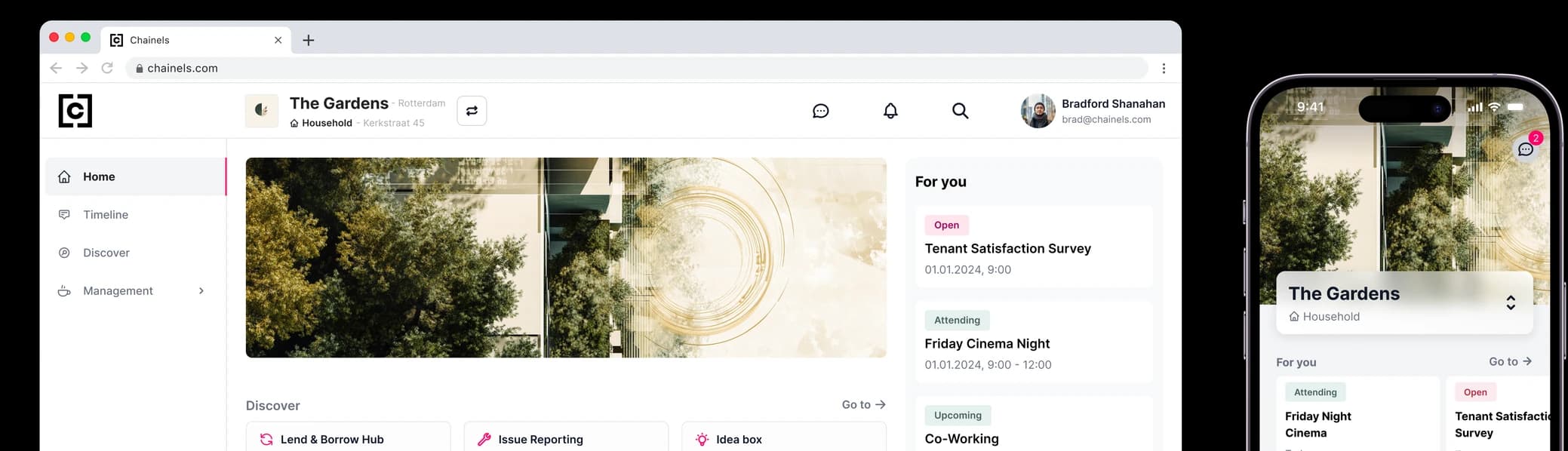
You will receive an invitation email with an activation link to activate your account. With your email address and a password of your choice, you can also log in to the free Chainels app. You will find it by searching for Chainels in the App Store or Play Store.


Complete your profile and adjust your settings
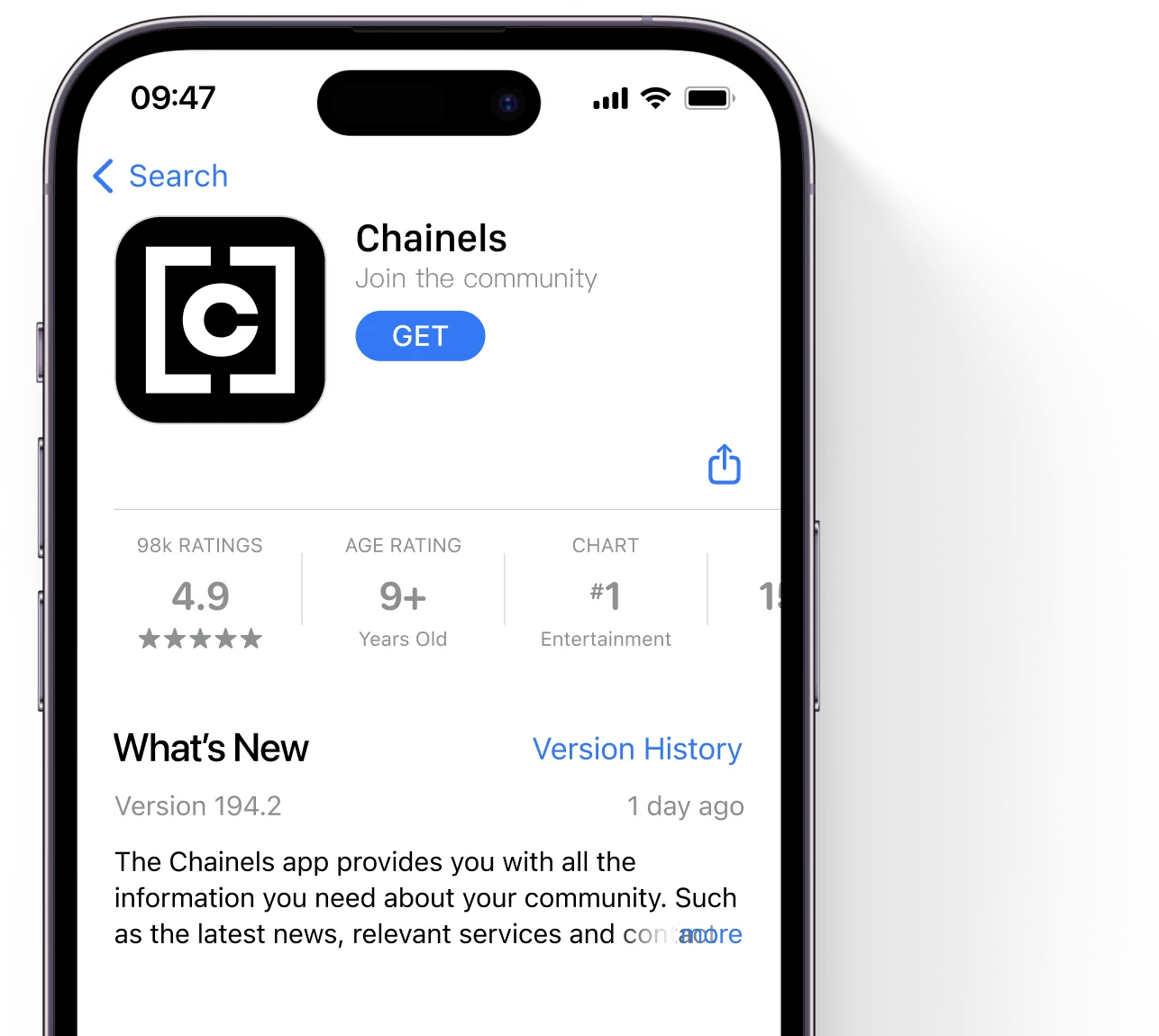
Start with your profile. Click My company profile in the menu at the top right and then Edit profile.
Keep those details current: your contact information, website and logo, plus your opening hours if you run a business. This is what everyone else in your community sees when they look you up.
Click My users, then the pink button (Edit users) and finally “Add user” to invite the people who need access — colleagues, housemates or anyone else who shares your space.
Fill in your own details so people know who they are talking to: add a profile picture, your name (if it is not there yet) and your role. To do this, click your name at the top right of the screen and then “Edit user profile”.
Set your language, choose which notifications you want to receive, decide how visible your profile is and manage your password via “My settings”.
Features
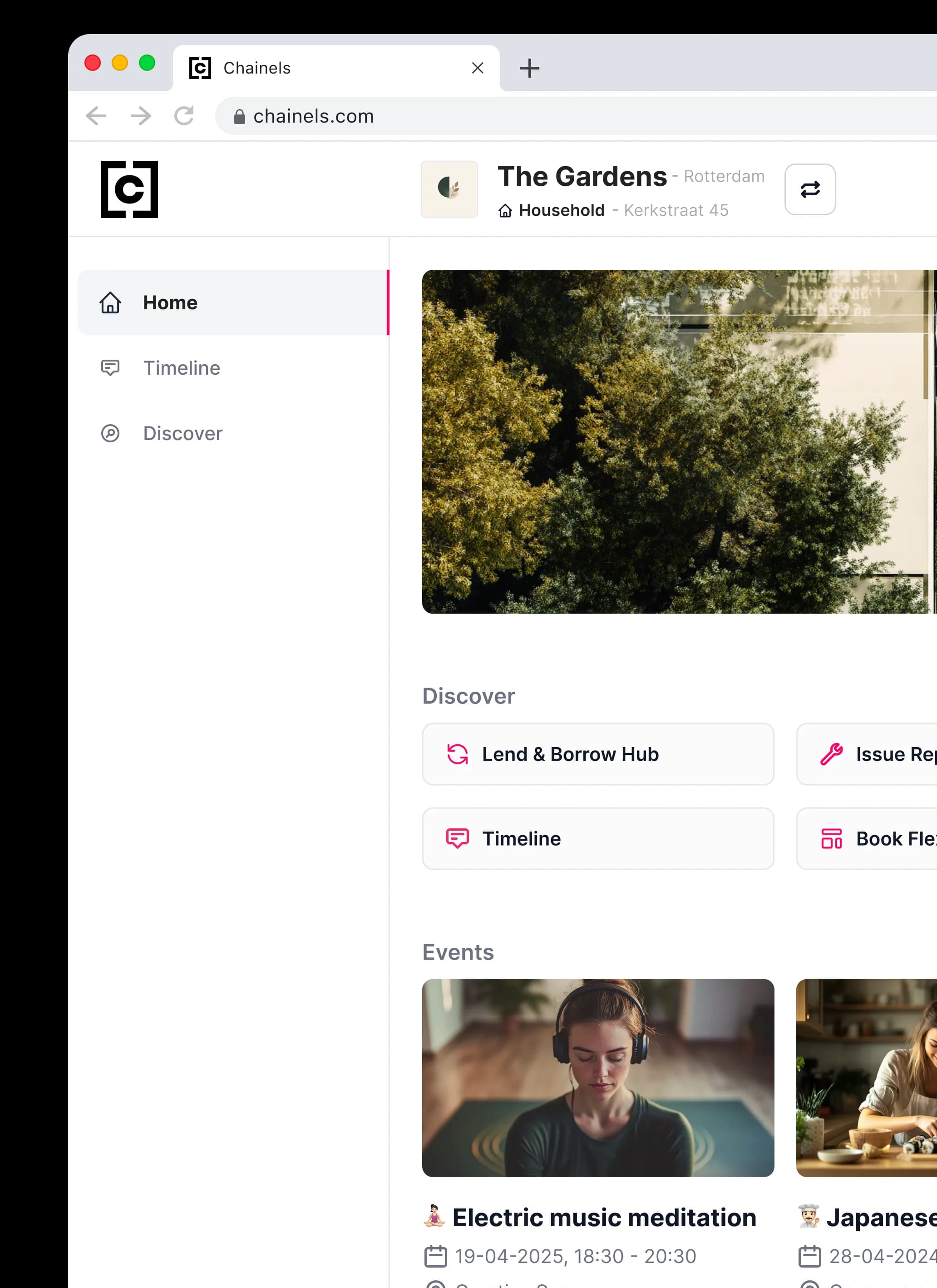
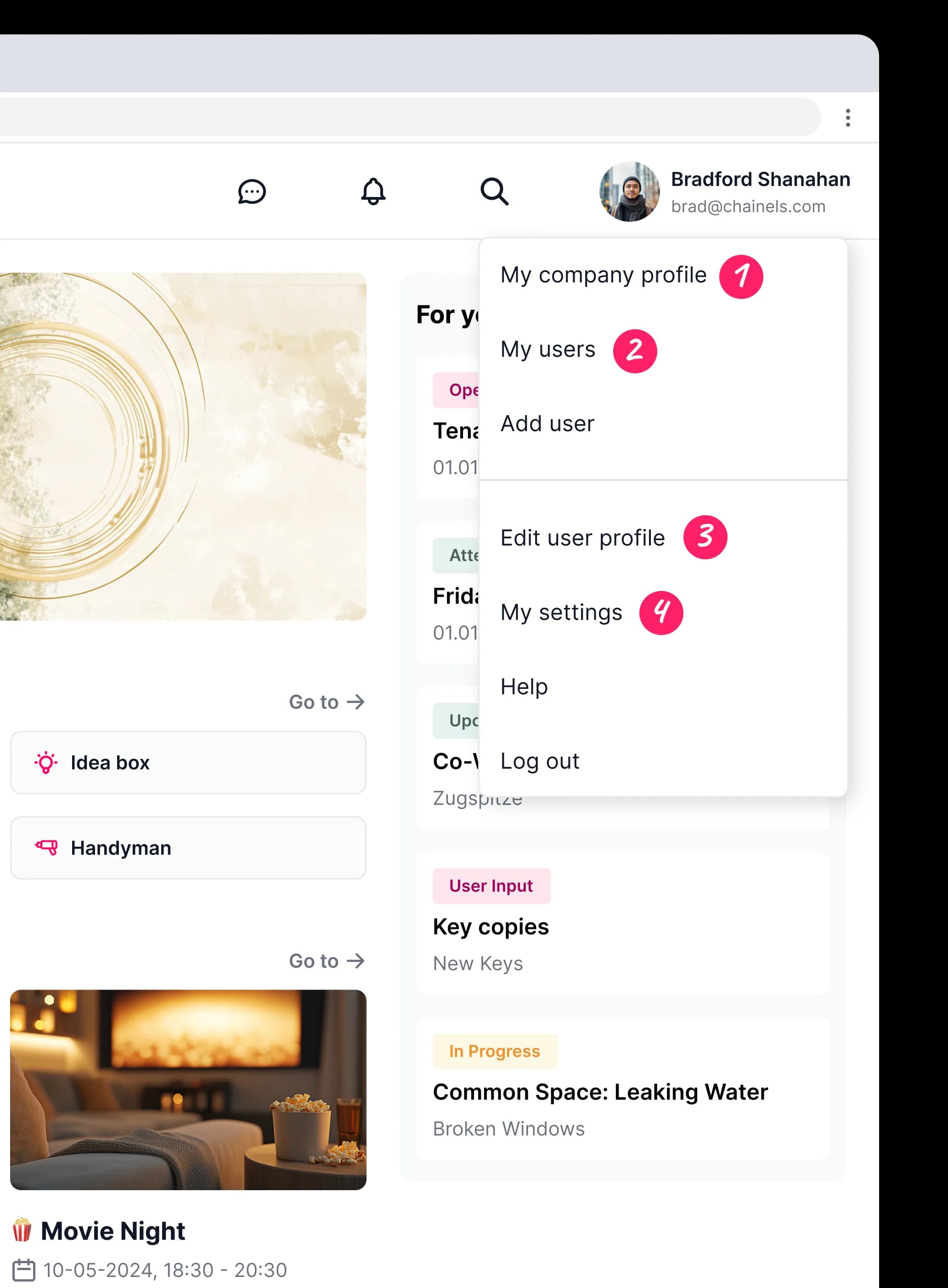
- Click ‘Home’ for an overview of your day. Here you see at a glance what is relevant to you right now: the services you can use, the latest announcements from your property manager and your open action points. It is the ideal place to start your day, so you immediately know what is going on and can get going without having to search.
- Click ‘Timeline’ to reach the heart of your community. Here you keep up with the latest news and events, and you join in too — react to a post, answer a question or fill in a survey. Have something to share yourself, from changed opening hours to a parcel someone left behind? Post it and the people around you see it straight away. It is the place to exchange information and build useful contacts.
Look each other up, work together and build a community that runs well for everyone in it! - On the ‘Discover’ page you will find every service your community offers, gathered in one place. Book a meeting room or a shared amenity, open a ticket, submit an idea or borrow equipment — and look up the information you need, from house rules and opening hours to manuals, minutes and contact details. Whatever your property manager has made available is bundled here.