Ask.
Answered.
Ask answers questions from what's already in your community, and does things for you. This page gets you started and keeps you current.
What's new in Ask
Where to find Ask
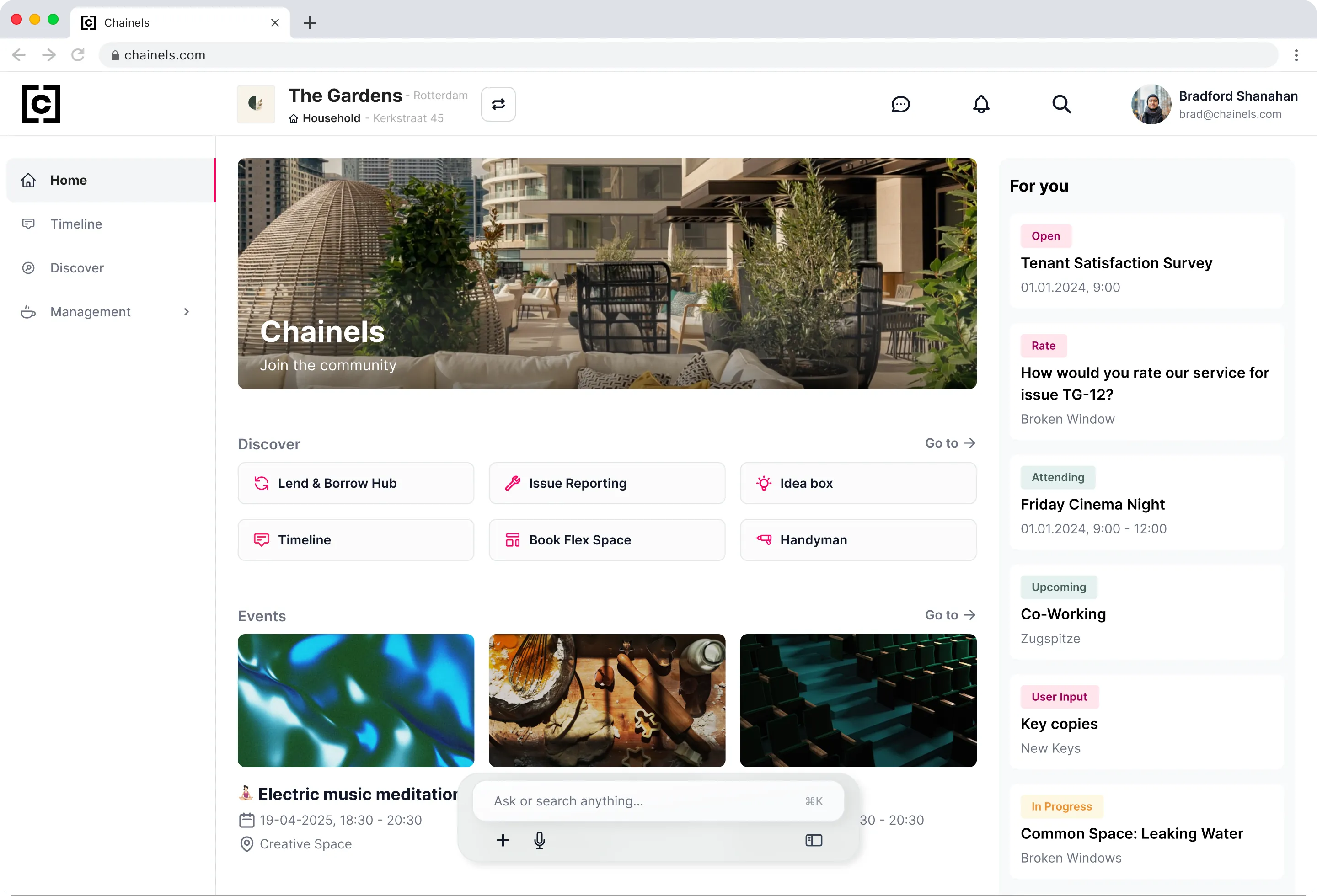
On the web
Ask is docked at the bottom of the screen. On Home, Timeline and Discover it sits in the middle, and everywhere else it is a compact pill.
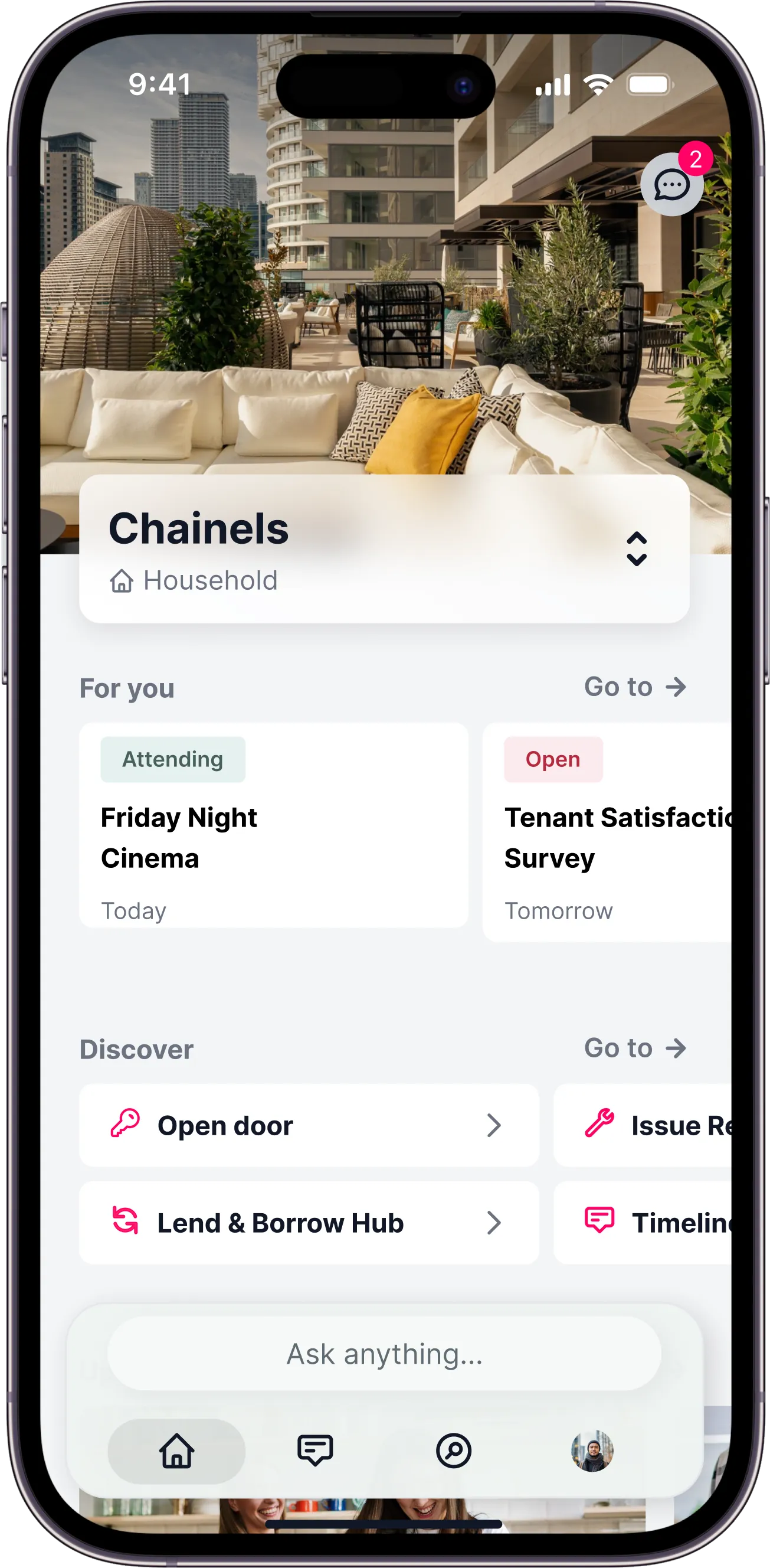
In the app
Ask sits in the tab bar, so it's one tap from wherever you are.
Ask for information
Ask in your own words. Answers come from what's already in your community. You don't need to know where it lives.
Ask can also do it for you
Ask doesn't only look things up. Tell it what you need and it takes the action.

Ask is only as good as your context
Ask answers from what exists in your community. If something was never written down, Ask can't find it. The single best thing you can do is make sure the answers are in there.
Put documents in Files
House rules, manuals, minutes, opening hours. Anything a tenant might need to look up.
Post announcements to the Timeline
If you've told people something, Ask can repeat it. If you told them by phone, it can't.



Set up services in Discover
Amenities and modules people act on: book a room, open a ticket, borrow equipment. Plus the information that goes with them.
A good rule of thumb
If tenants keep asking you the same question, that answer belongs in one of these three places.
Good to know
Ask is in Beta and getting better every week. It can make mistakes, so it's worth checking anything important before you act on it.